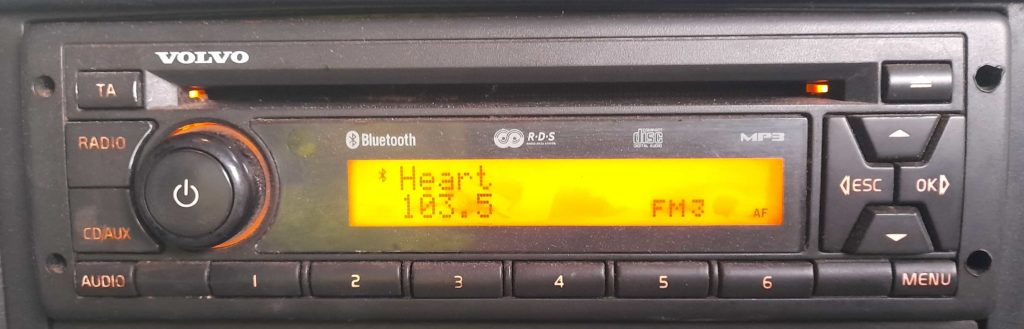
Pairing your phone to the Bluetooth in this radio unit.
Stage 1: Putting the radio unit into Bluetooth pairing mode
Press the MENU button (bottom right corner).
The screen will change to the below:
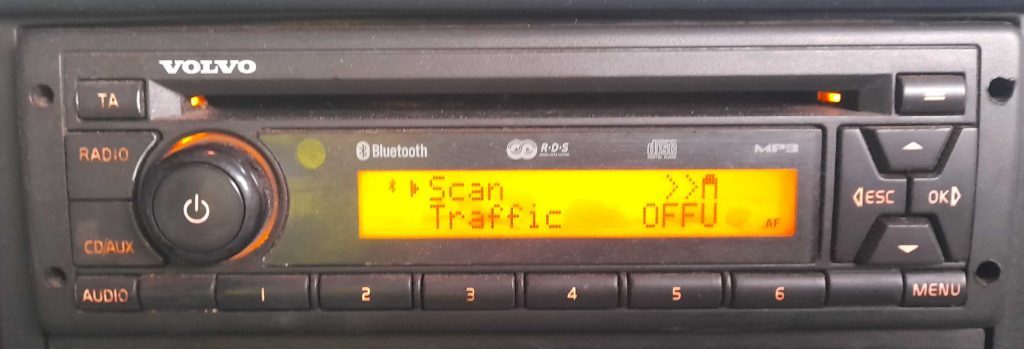
Press the up arrow to change the menu option to Hands Free.
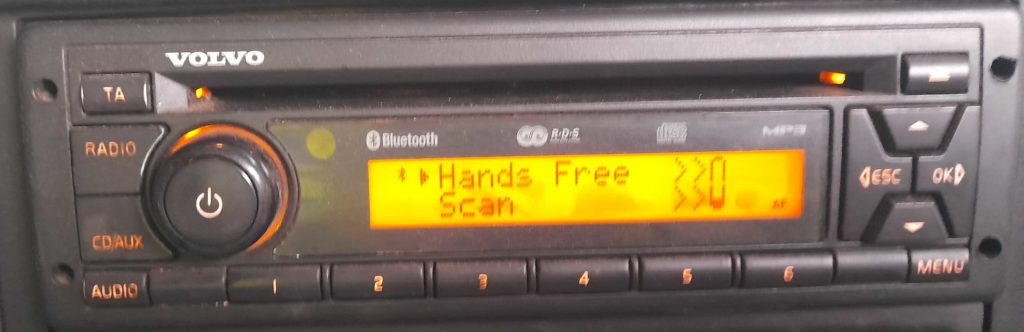
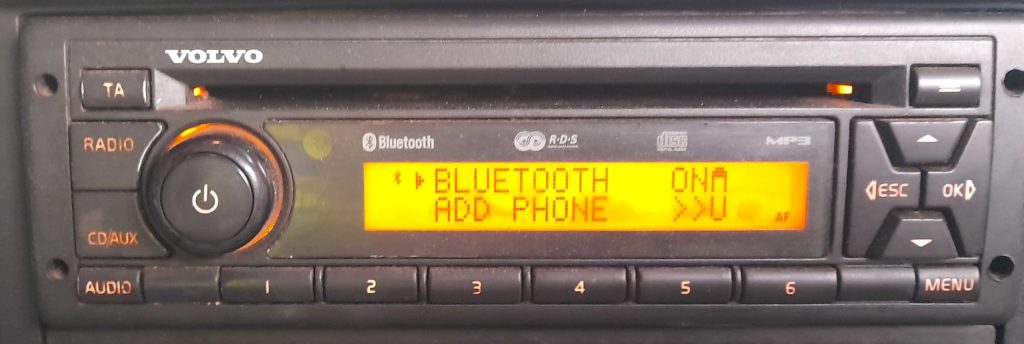
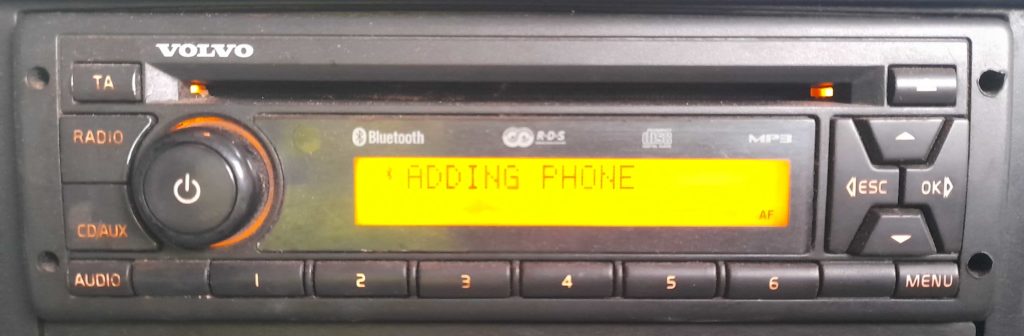
Use the Up/Down arrows to move through the menu options. Here you can remove other paired devices and add a new one. To add a new phone pairing, select the ADD PHONE option and press the OK/Right Arrow button.
Stage 2: Connecting the phone to the Bluetooth
Once the radio unit is in pairing mode, it will allow your phone to find the Bluetooth connection.
- Go to Bluetooth settings on your phone and add a new pairing.
- You should see “Volvo Truck”, select this to connect to.
- When prompted for a code, enter 0000 and press Ok to connect.
- Once connected, change the setting on your phone for the Bluetooth connection to Automatically Connect when in range.
Troubleshooting
If you have trouble pairing your phone, try removing any phone pairings from the radio unit and then pairing your phone.